
The failures your tests did not think of, traced from the request to the database.
SmartScan follows every entry point - a web action, a job, a message consumer, a screen in an app - through services and handlers down to the database or the outgoing request, and flags what can break on the way: a lookup that can come back empty, two writes that can half-succeed, a column the input can overflow. Each risk comes with the chain that leads to it.

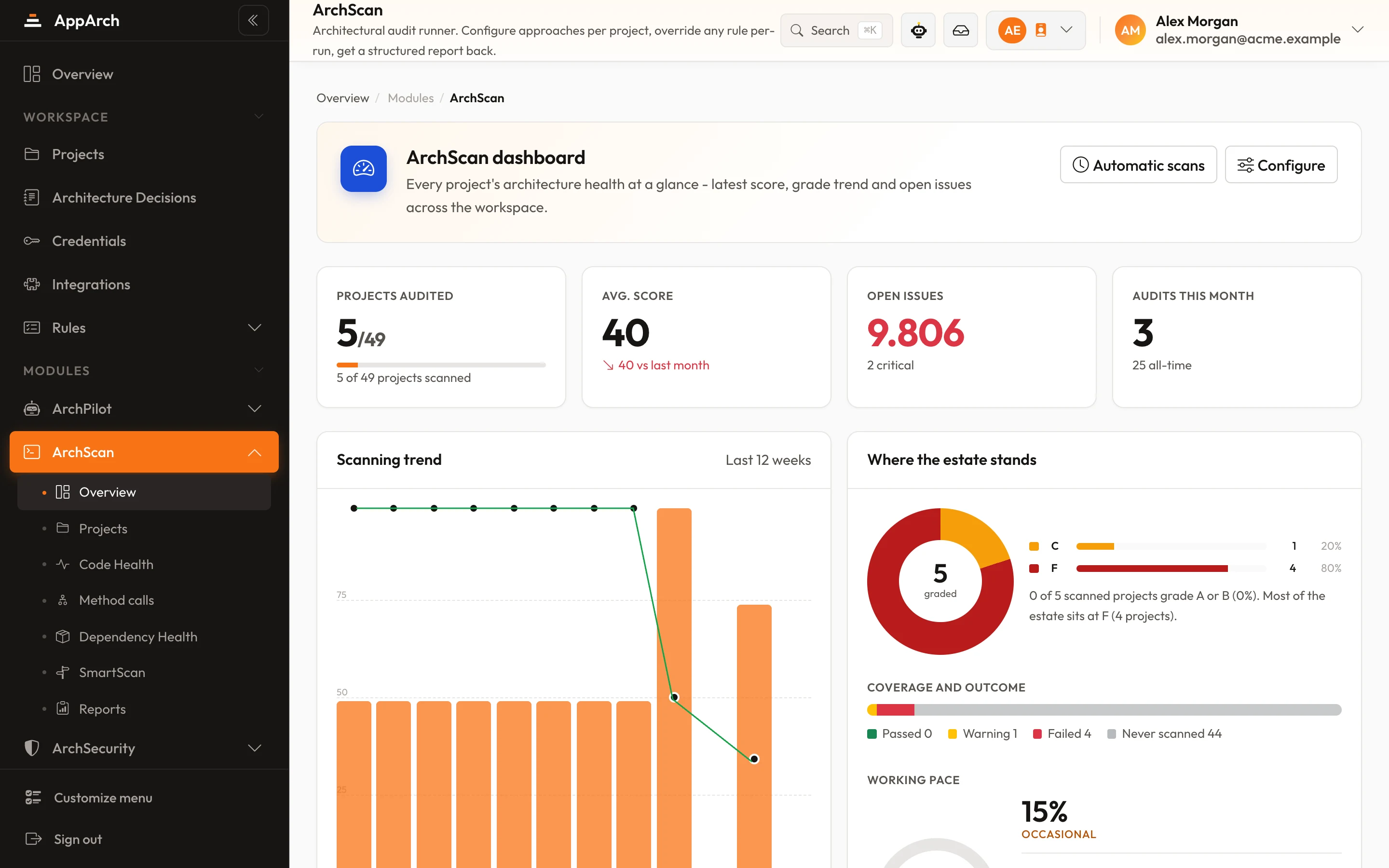
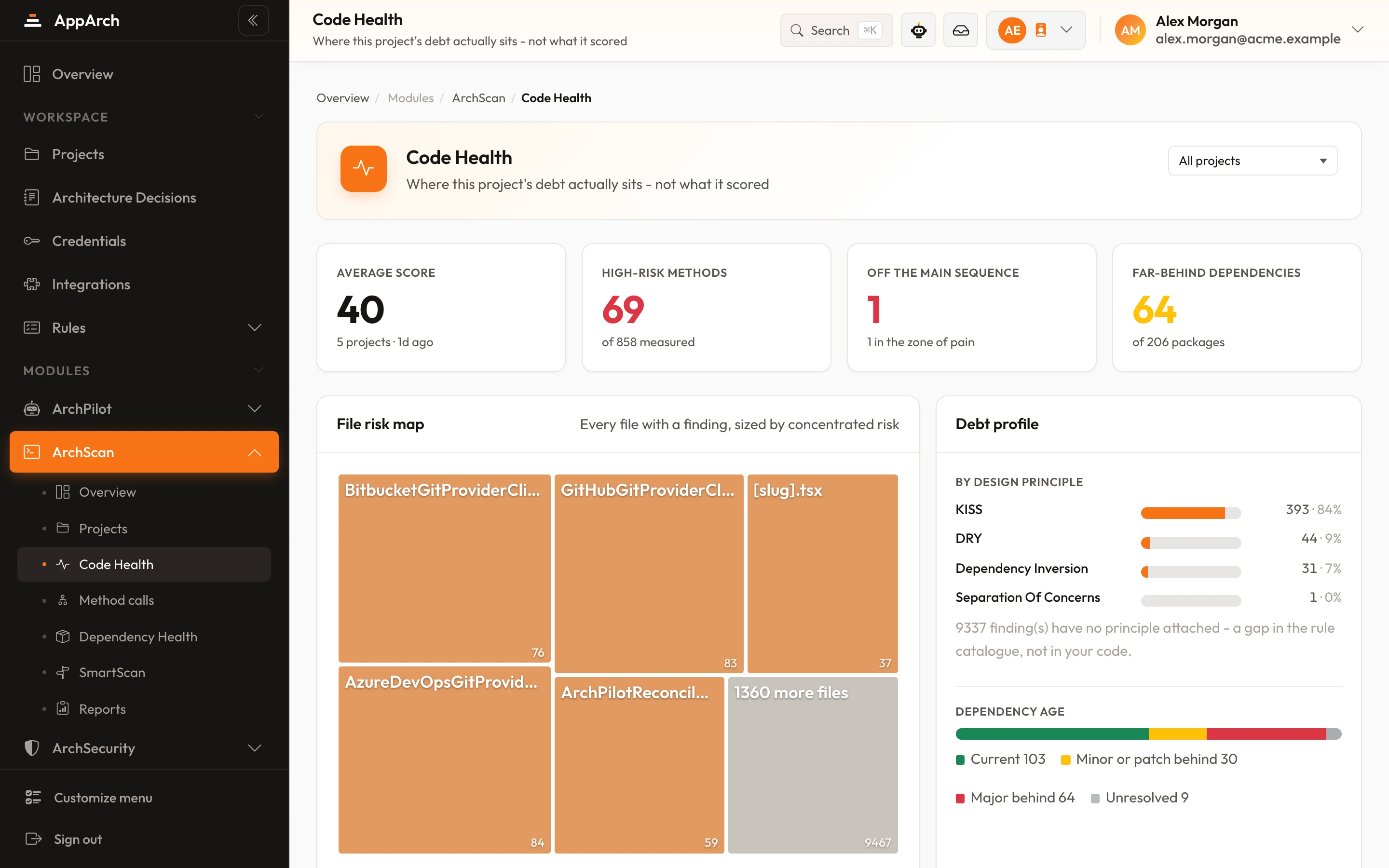
Screens from a running installation
What it looks for
Four kinds of risk, each found on a real path through your code - not on a pattern somebody wrote down.
Record not found
A lookup keyed on request data can come back empty and the code uses the result without checking: a 500 instead of a 404, or a misleading message.
Partial write
Two separate commits in one flow with no transaction around them: if the second fails, the first stays written.
Contract gaps
The request can carry more than the column holds, a required column has no check on the way, or a unique column is written without a uniqueness check.
Frontend and mobile
A request whose failure nobody handles, an error treated as success, a response used without checking it: the screen crashes or stays silent.
What SmartScan sees in a single request
An order is created through six hops. Each hop is a real call in the code; SmartScan follows them and stops where something can break.
- Entry point
POST /api/ordersOrdersController.Create - Mediator request
mediator.Send(CreateOrderCommand) - Handler
CreateOrderHandler.Handle - Interface to implementation
ICustomerRepository.FindAsyncCustomerRepository !Not found: the result is used without a check - Writes
SaveChangesAsync() ×2!Partial write: two commits, no transaction - Database
orders · order_lines
How it works
The unit is a chain: from where a request enters to where it touches data.
- 01
Start from every entry point
Web actions, scheduled jobs and message consumers; in frontends and apps, events, effects, routes and screens.
- 02
Follow the chain
Interface to implementation, overrides, mediator requests to their handlers - down to the ORM or the HTTP call.
- 03
Drop what is guarded
A check, a lookup that throws, a validator with the right limit - on the write's own path - counts. A chain with nothing at risk is not reported.
- 04
Show the path
Every risk lists its steps with file and line, from the entry point to the column.
A warning, not a gate
SmartScan is not a rule set: it never lowers a score and never fails a pipeline. Each risk can be closed one at a time, like any finding. It is switched on per project and off by default, and it runs on full scans only, so merge request checks stay fast.
In all nine collector languages
A rule and a SmartScan risk are not the same thing
Both show up in the same panel, but they answer different questions and behave differently.
| Rule finding | SmartScan risk | |
|---|---|---|
| What it looks for | A known pattern someone wrote down | A path through your own code |
| Score | Lowers it, weighted by severity | Never touches it |
| Pipeline | Can stop it with a fail-on threshold | Never stops it |
| When it runs | Merge request reviews and full scans | Full scans only, switched on per project |
| What you get | File, line and the rule's reasoning | The whole chain, step by step, with file and line |
Questions about SmartScan
Is it another rule set?
How are false alarms kept down?
Does it slow down merge request reviews?
Which languages and frameworks?
See it in the product
All screenshots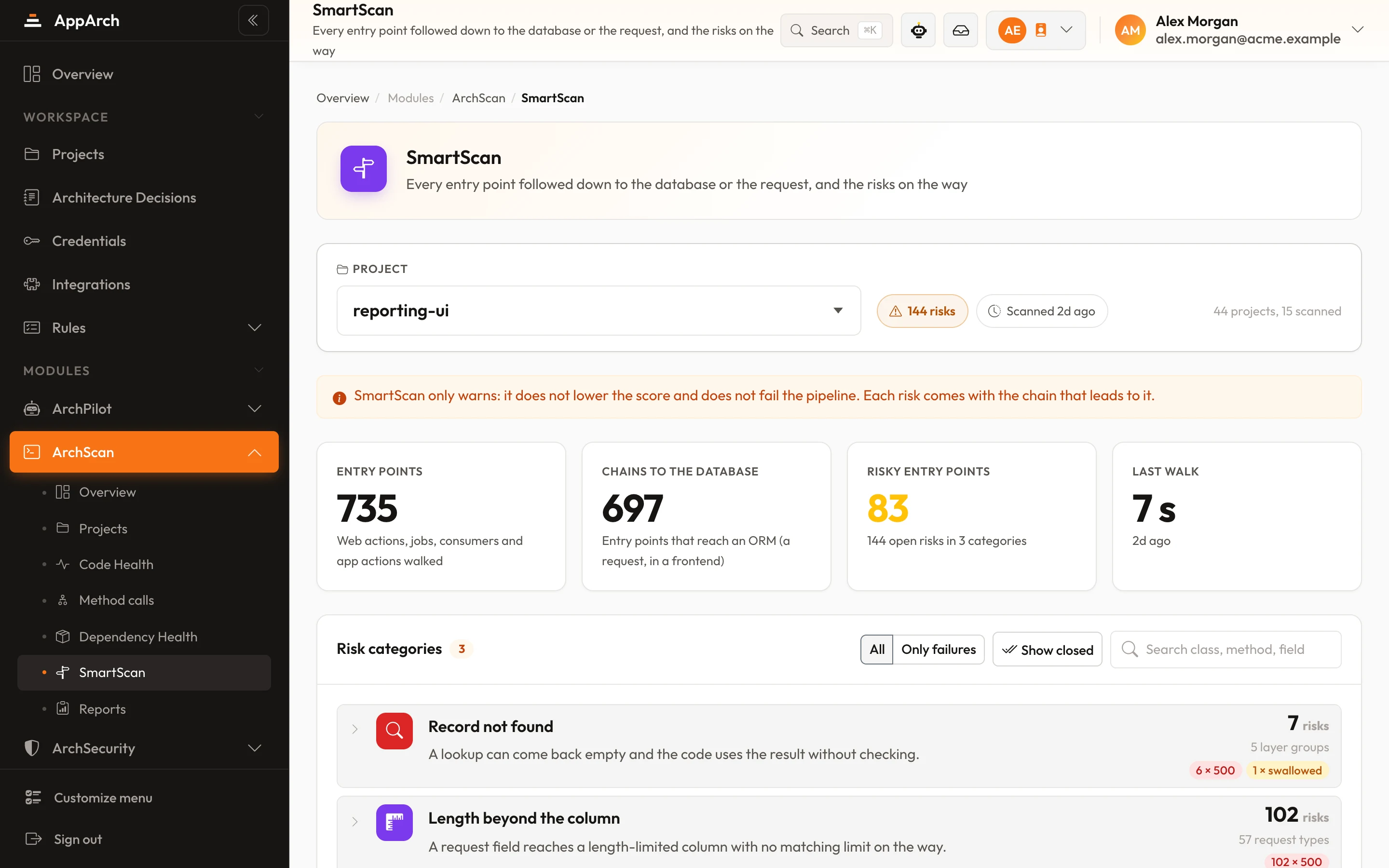
Find the failures before your users do
Switch SmartScan on for one project during a PoC; the next full scan shows every chain at risk.