
Azure DevOps
For Azure Repos and Pipelines
Connect Azure DevOps with a PAT; ArchPilot reviews Azure Repos pull requests and the analysis runs in your Azure Pipelines.
Auth: Personal Access Token (PAT)

Screens from a running installation
How it connects
- 01
Connect with a PAT
Provide a scoped personal access token.
- 02
Select repos
Choose the Azure Repos to review.
- 03
Open a PR
ArchPilot reviews the pull request.
What you get
Azure Repos PR comments
Inline architecture feedback.
Runs in Azure Pipelines
Analysis runs as a pipeline stage.
PAT authorisation
Scoped, revocable access.
Code stays in your infra
The scan runs on your own infrastructure.
How it works inside AppArch
Your AppArch server talks to the Git platform; the analysis runs in your CI. Here is every call in both directions.
What it reads
- Repositories, branches and members; members every 10 minutes for Developer Sync
- Merge requests, approvals and review threads; MR facts every 15 minutes for MR Insights
- Branch protection and merge settings, for Git Health
- Single files and the file tree, for Compliance; nothing is cloned
What it writes
- Inline comments on the lines the change added
- An AppArch section in the MR description, or one summary comment if that edit fails
- Resolves its own thread once the finding is gone
- Optional auto-approve or auto-reject; it refuses to approve if new commits arrived after the review
- A reviewer vote: approve (10), reject (-10) or reset (0)
- A manual MR run queues a build when the repository has exactly one build definition
What it never does
- No commit statuses or check runs: the pipeline result is your CI job's own exit code
- Never clones or uploads the repository to the panel
- Never registers webhooks itself; paste the URL if you want one
- Azure DevOps Services (dev.azure.com) only; Azure DevOps Server is not supported
- Review scope is per changed file, not per changed line
- No scheduled or on-demand branch scans
A personal access token with Code (Read & Write) and Pull Request Threads (Read & Write), plus your organisation name. Azure does not expose the token's expiry, so it is not shown.
When things happen
- 5 sComments are posted
- 10 sNew findings are matched to their threads
- 5 minMerge request state and approvals are re-read
- 10 minMembers are synced
- 15 minMR facts for MR Insights
A webhook makes the merge request state change immediate instead of waiting for the next poll.
See it in the product
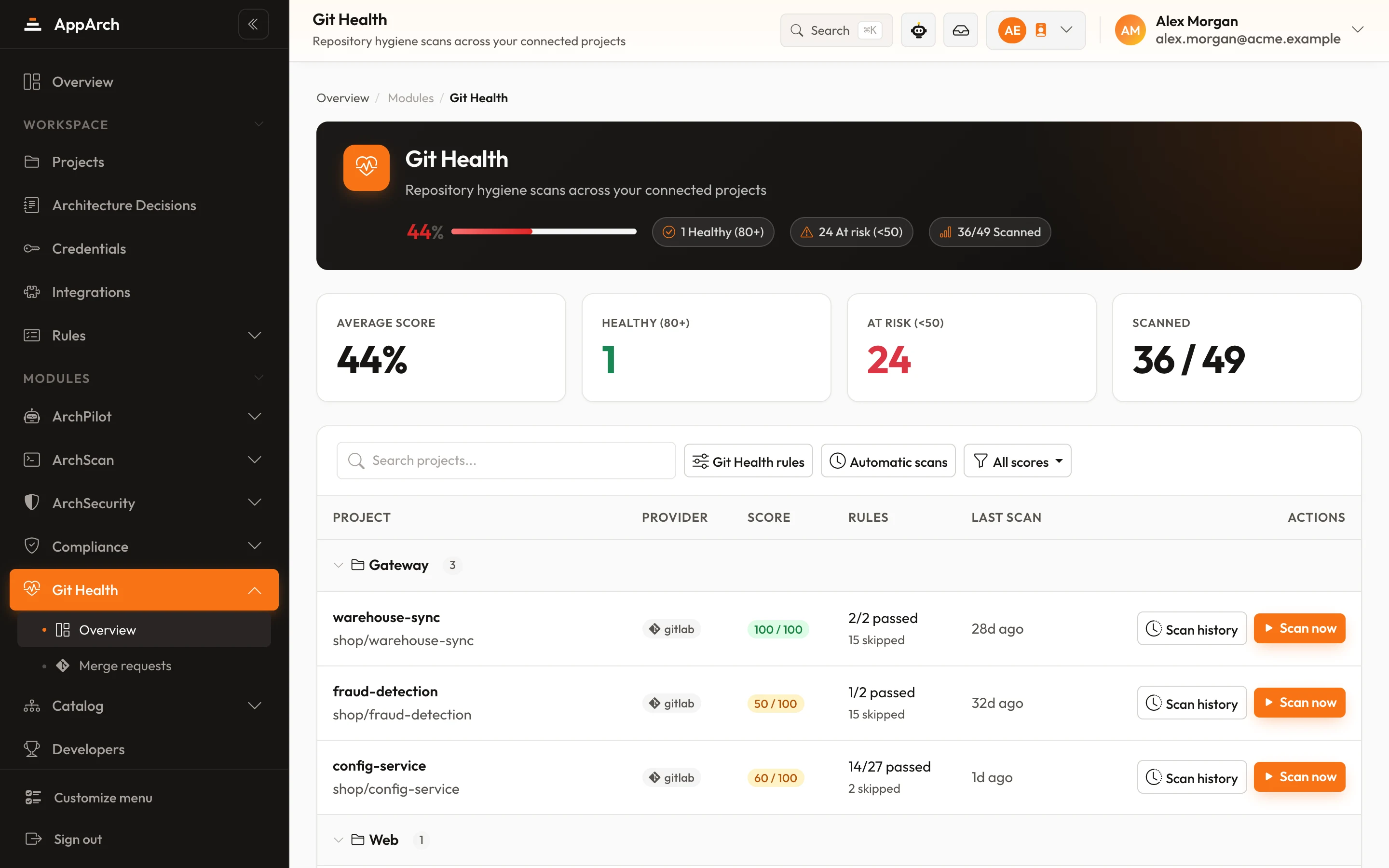
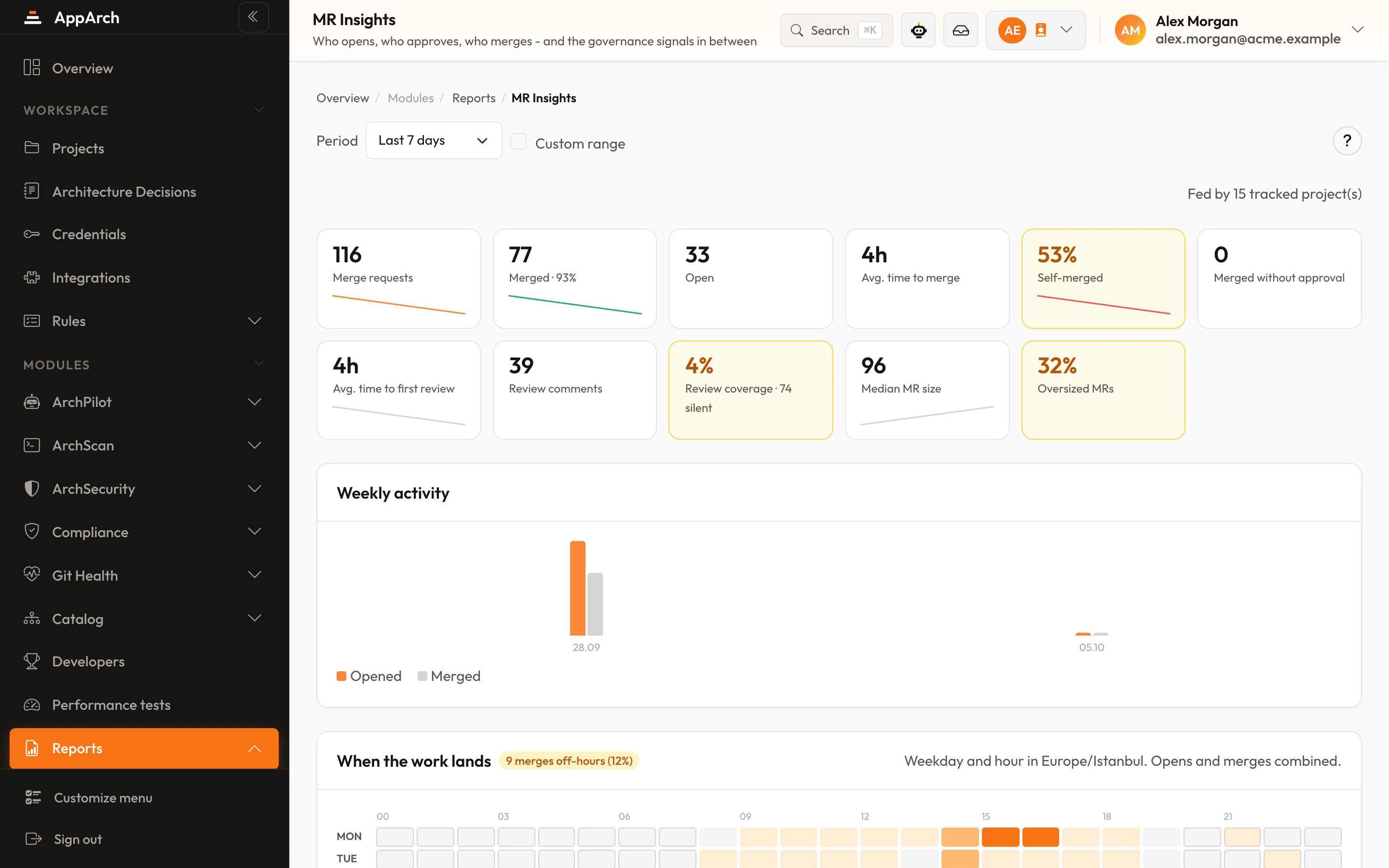
All screenshots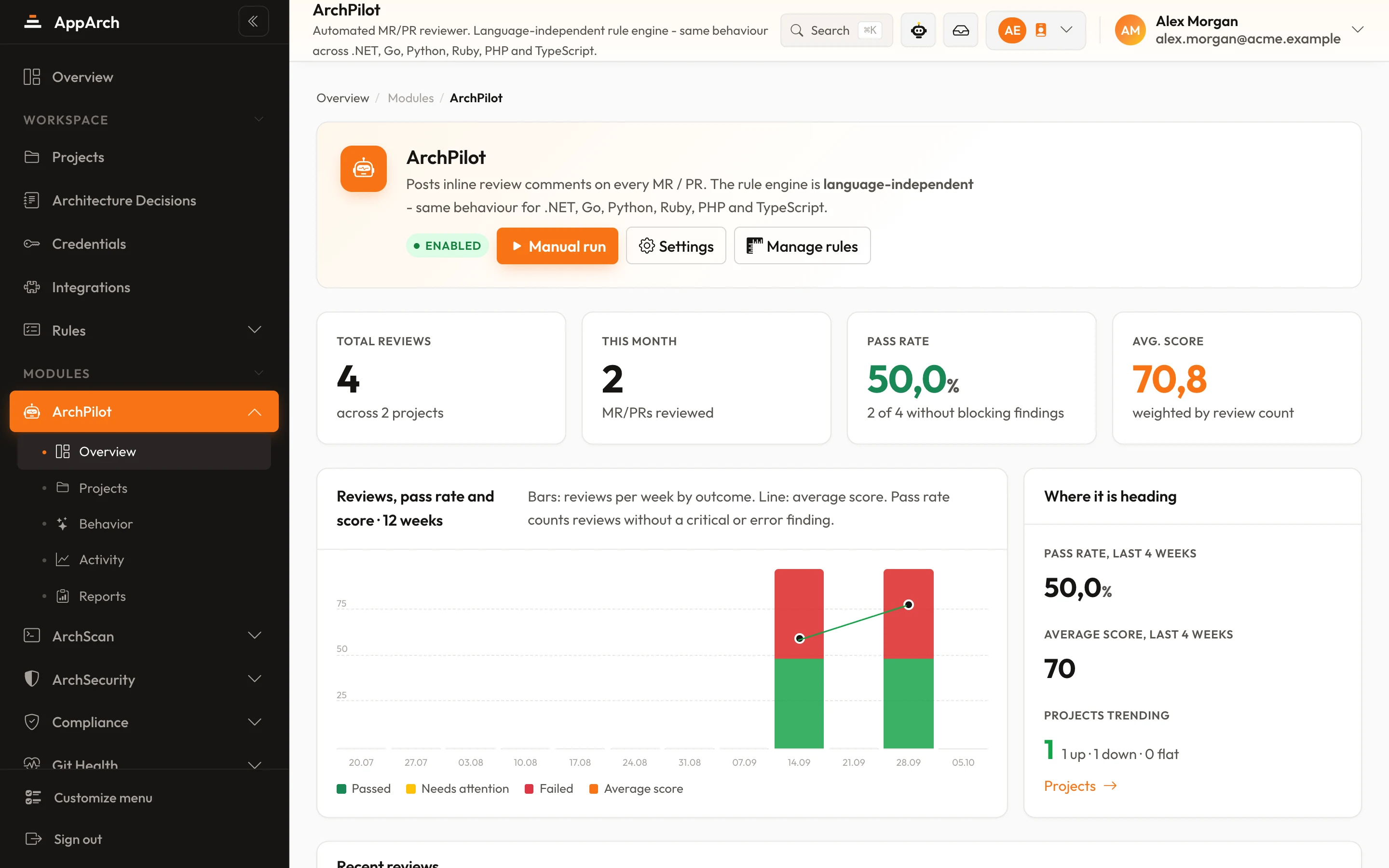
Connect Azure DevOps
Connect in minutes - your first review lands on the next change.