
How your repositories are run, scored in one place.
Git Health checks how every repository is run, not what is in it: is the default branch protected, are merge requests approved, do commits carry an issue key, is security tooling in the pipeline, are the files every repository needs there. 29 rules and a weighted score, on GitHub, GitLab, Bitbucket and Azure DevOps.

Screens from a running installation
Six groups, 29 rules
Every rule answers one yes-or-no question about how the repository is run, and carries a severity and a weight.
Branch protection
Default branch protected, no direct pushes, no force pushes, release branches and tags protected.
Merge request rules
Approval required, a minimum number of approvals, no self-approval, discussions resolved and a green pipeline before merging, source branch removed afterwards.
Traceability
Commits and merge request titles carry an issue key, branch names follow a pattern, and an issue tracker is connected.
Security in CI
SAST, secret detection, dependency and container scanning, an SBOM, and SonarQube with merge request reports - found in the pipeline, included templates too.
Repository hygiene
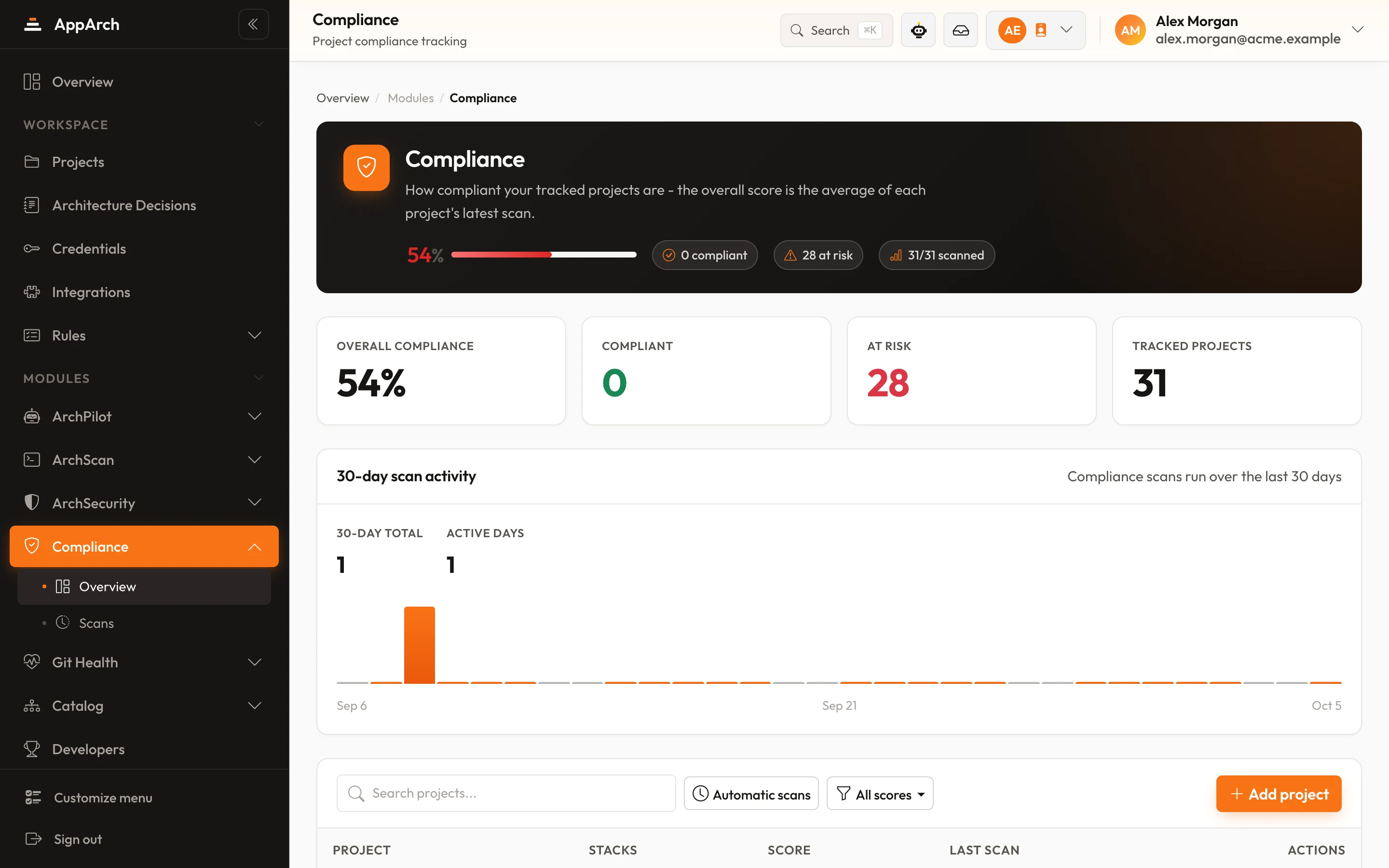
CODEOWNERS, a committed lockfile, merge request and issue templates, and no committed secret files (matched by name; contents are never read). README, .gitignore and SECURITY.md are checked by Compliance.
AppArch itself
A collector has reported in the last 30 days, so the scores everywhere else are current.
Unknown is not zero
A rule the platform or the token cannot answer is marked skipped and left out of the score. A connection with an expired token reads "0 of 2 scoreable", never "29 failures". The same goes for a pipeline that cannot be read in full: an unreadable include means skipped, not failed.
No enrolment, nothing to run by hand
Every project with a Git connection takes part from the moment it is added.
- 01
Add a project
The first scan is queued the moment the project is created.
- 02
Scans keep themselves current
Scheduled scans re-check every repository, so a setting someone changed last week shows up without anyone asking.
- 03
Fix and watch the score
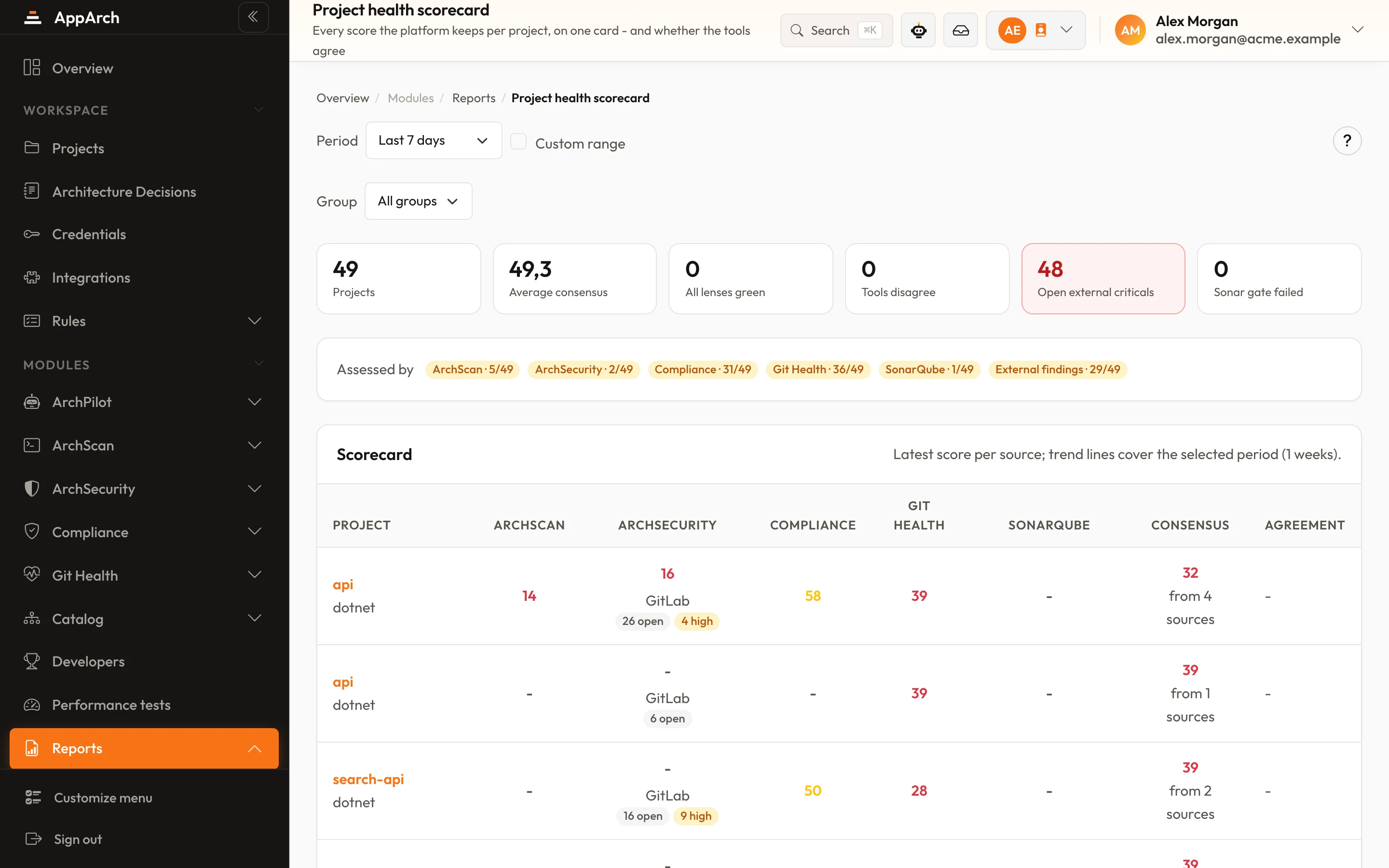
Each failed rule says what it found; the project's score sits beside its other module scores on the health card.
What can be checked on which platform
Not every platform exposes every setting through its API. Where one cannot answer, the rule is skipped and leaves the score; it never counts as a failure.
| GitLab | GitHub | Bitbucket | Azure DevOps | |
|---|---|---|---|---|
| Default and release branches protected | ||||
| Merge rules: approvals, no self-approval, green pipeline, resolved threads | skipped | skipped | ||
| No force push, no direct push to the default branch | skipped | skipped | ||
| Source branch deleted after merge | skipped | skipped | ||
| Protected tags, issue key enforced in branch rules | skipped | skipped | skipped | |
| Issue keys in commits and MR titles, branch naming | ||||
| CODEOWNERS, lockfile, templates, no committed secret files | partly | partly | ||
| Security tooling in CI: SAST, secrets, dependencies, containers, SBOM, SonarQube | ||||
| Collector active, issue tracker connected |
Rules that check many items give partial credit: one unprotected branch out of seven does not cost as much as seven.
Every merge request, across every provider, in one list
Git Health also keeps the workspace's merge requests in one place, whichever platform they live on.
- Filter by state, project, author and target branch, or search
- A badge links each reviewed MR to its ArchPilot report
- Archito's "longer than usual" filter shows what is stuck

Questions about Git Health
Which platforms does it cover?
Does it read our code?
What permissions does the token need?
Does Git Health change our other scores?
See it in the product
All screenshots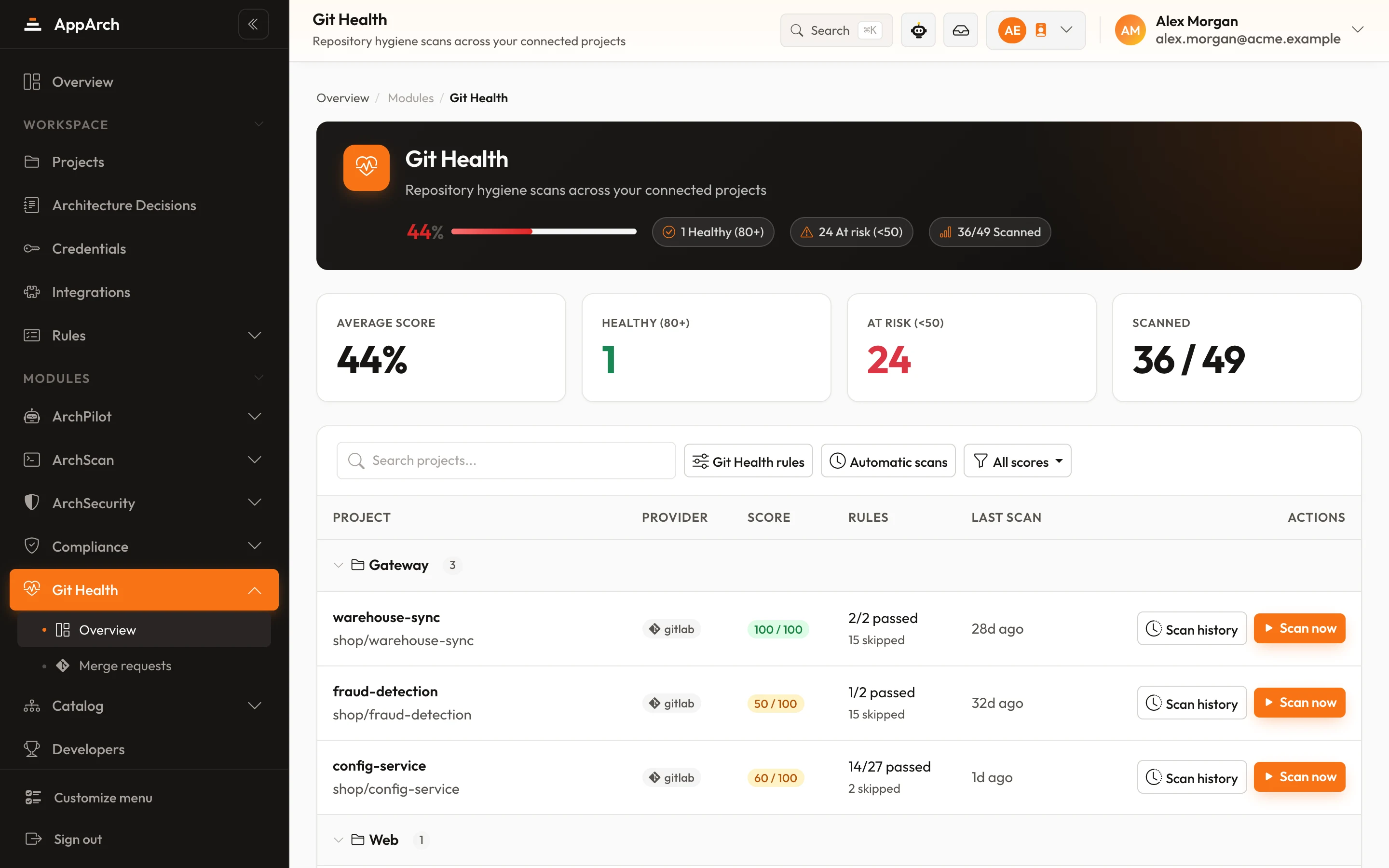
See how your repositories are really run
Connect a Git provider during a PoC; the first scores arrive as soon as the projects are added.