
Only the lines you changed
The old debt in the same file is still measured by ArchScan, but it never turns into review noise on your merge request.
- New violation: commented
- Existing debt: no comment
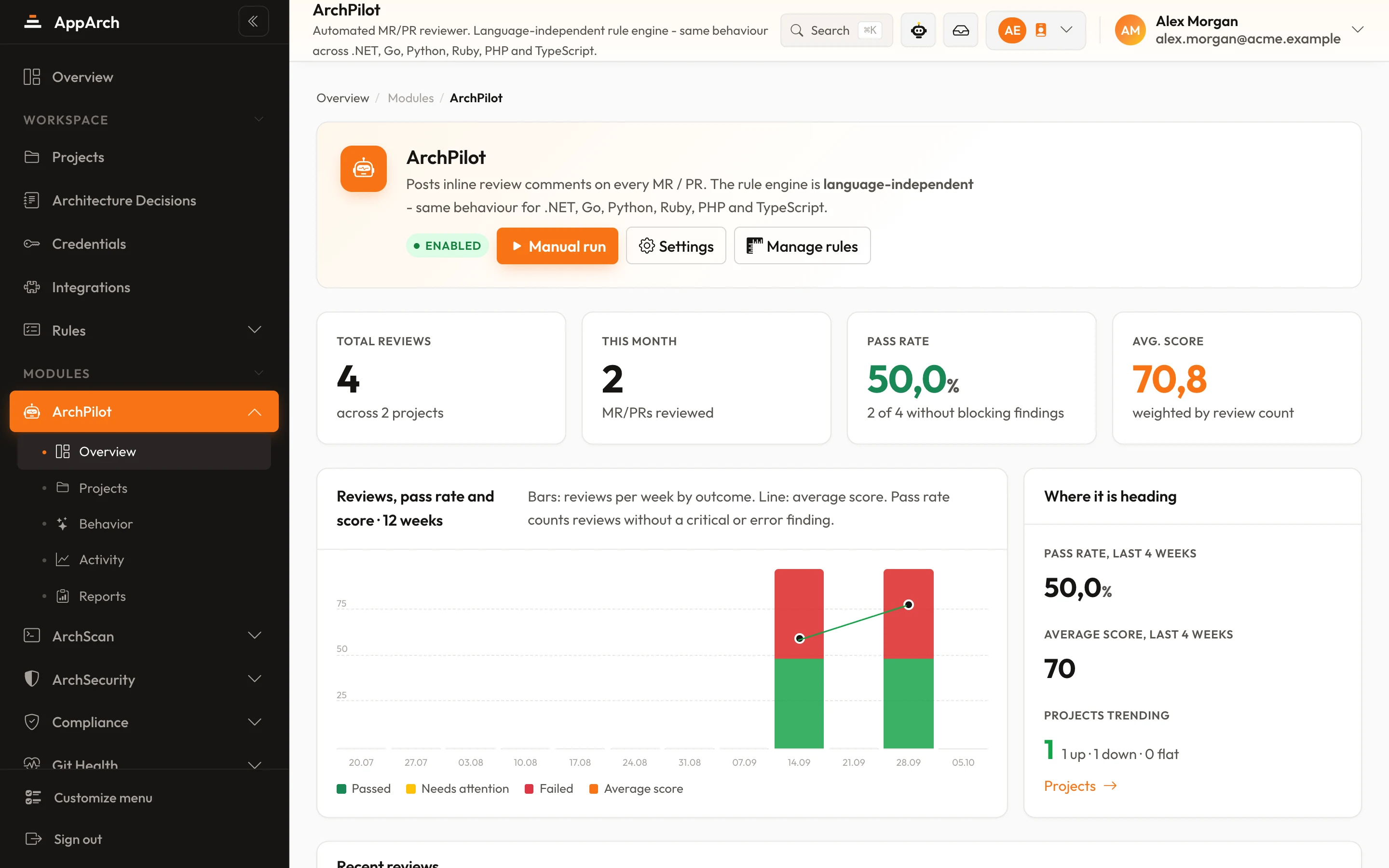
ArchPilot kicks in the moment a pull/merge request opens, reads the changed code against your architecture rules and leaves the fix as an inline review comment.

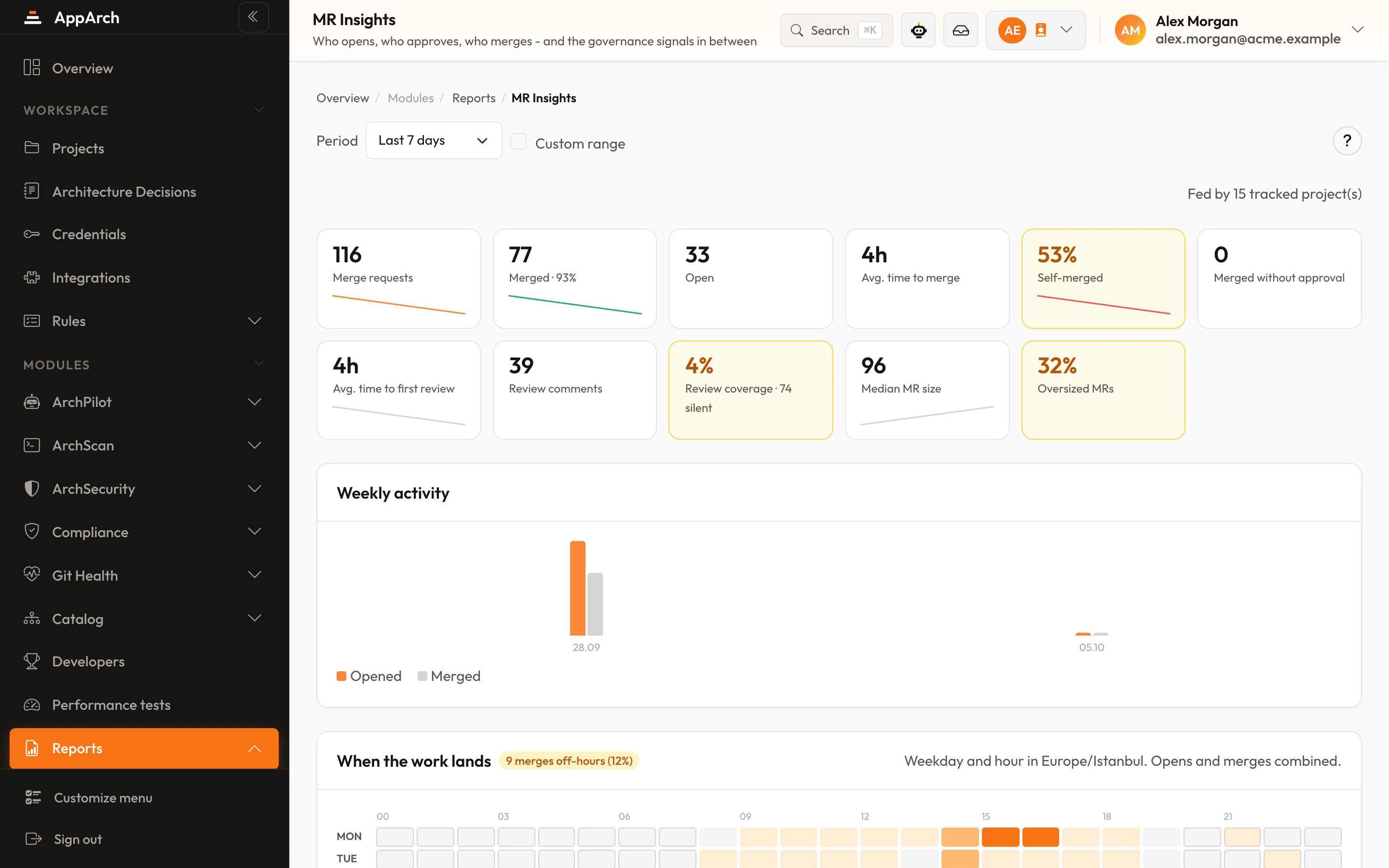
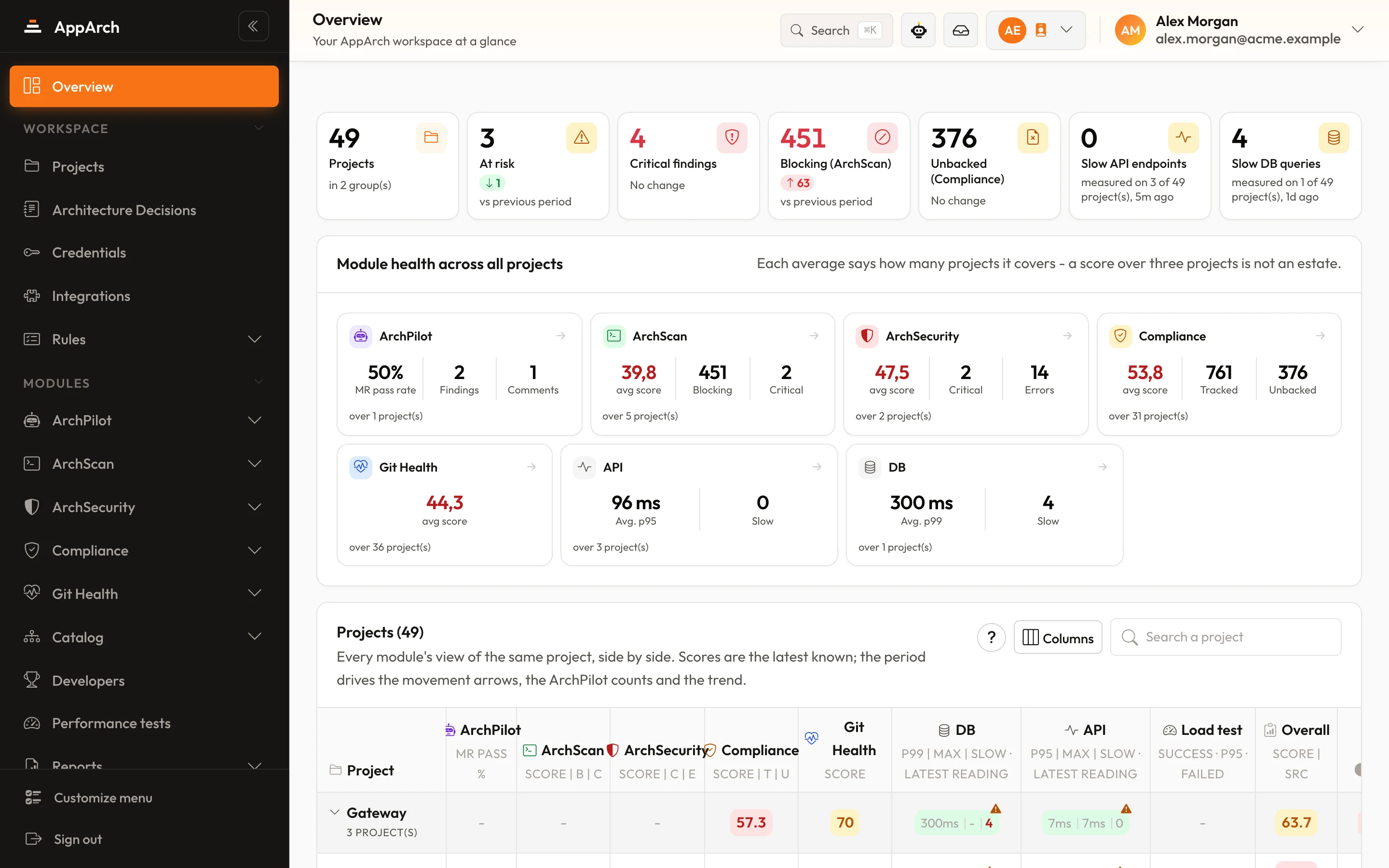
Screens from a running installation
Six steps between your CI and the AppArch panel, both inside your network. The repository is never uploaded; only the findings travel.
A new MR, or a new push to one, starts your pipeline.
It fetches the rule set from the panel, with project and workspace settings already applied.
In review mode the analyser resolves the changed files first and reads only those.
Rule, file, line and message travel to the panel; the repository itself is never uploaded.
The panel compares with the previous run: new findings get a comment, repeated ones are not posted again, fixed ones are resolved.
Inline comments on the exact lines, and an AppArch section in the MR description with the totals.
Optional gate: choose a fail-on severity in the panel and the job exits with code 4 once a finding reaches it, after the results are posted, so the pipeline turns red.
Every comment answers the same five questions, and looks the same on all four Git providers.
Which rule, and how serious. Severity drives the score and the optional gate.
The comment sits on the line that breaks the rule, never on an annotation above it.
The reasoning, so fixing it is a decision rather than a guess.
What to change, as the analyser suggests it.
A link to the rule's own documentation page.
The old debt in the same file is still measured by ArchScan, but it never turns into review noise on your merge request.
One comment per finding, from the first push to the last. A finding closes one at a time: fixed, or closed by a person.
Comments post from the default integration user, or a workspace-dedicated bot account.
ArchPilot isn't a linter - it behaves like an architect who fits your team's flow without the noise.
The finding lands on the exact line - explaining what's wrong, why, and the suggested fix, just like a human reviewer. You can reply in the thread to discuss.
Only the code changed in that PR/MR is reviewed. Legacy debt never becomes noise - the team focuses only on the risk they're introducing now.
Comments are marker-keyed: the same finding is never re-posted on each push, and fixed violations auto-resolve. The PR stays clean and readable.
Comments post from the default integration user, or a workspace-dedicated bot account. You choose the comment language per workspace (EN/TR).
Trigger a review on a specific MR straight from the panel. ArchPilot verifies access first ("can I read it?"), then runs the review in your own CI pipeline.
Git members and MR authors sync automatically; service/bot accounts are auto-flagged (and editable). Each developer gets an ArchPilot-based score.
Enable, disable or tune rules per project or workspace. Rules you switch off in the panel never reach the bot - no false positives.
The analysis runs in your own CI, on your own infrastructure - your source never leaves it; only findings are sent to the panel.
Connect Git, switch the rules on, and let ArchPilot speak up on the next PR.
New modules, release notes and writing on architecture. Leave with one click whenever you like.