
Jenkins
Add analysis to your pipeline
Add the AppArch collector as a stage in your Jenkins pipeline. Findings flow to the panel, and you can optionally fail the build on a policy breach.
Auth: Pipeline credential

Screens from a running installation
How it connects
- 01
Add the stage
Drop the collector into your pipeline as a stage.
- 02
Provide a token
A credential so results reach the panel.
- 03
Log in to the hub
A username-with-password credential holding the installation id and key logs the agent into hub.apparch.io, where the image is pulled from. The project token is not a registry credential.
- 04
Run it
Analysis runs on every build.
- 05
Hand it the pull request
Jenkins exposes none of the provider's merge request variables, so for a PR review pass the provider, the repository and the PR number ($CHANGE_ID in a multibranch pipeline) as environment variables. Without them the stage runs a full scan.
What you get
Pipeline stage
A single command runs the analysis.
Fail on policy breach
Cross the threshold and the build goes red.
Any agent / OS
The Docker image runs on any Jenkins agent.
Results in the panel
Score and findings collect in the central panel.
No plugin to install
The stage is a plain docker run with the same image every other CI uses, so a Jenkins upgrade never breaks it and the Jenkinsfile stays readable.
Exit code 4 means a policy breach
When the threshold is crossed the container exits with code 4 and Jenkins marks the stage failed; a network error exits differently, so an outage is never mistaken for bad code.
How it works inside AppArch
There is no plugin: the analyser is a container your Jenkins agent runs. AppArch never calls Jenkins.
What it reads
- Nothing: AppArch never calls Jenkins
What the job does
- Runs the language's collector image with docker run and posts the findings with the project token
- For a merge request review, you pass the MR context in APPARCH_Collector__Provider__* variables
- Exits with code 4 when a finding reaches the fail-on threshold, after the results are posted
What it never does
- No plugin, no build triggers and no build status written back
Two pairs of values: the installation ID and key to pull the image from hub.apparch.io, and the project token (aa_proj_) to talk to your AppArch server.
See it in the product
All screenshots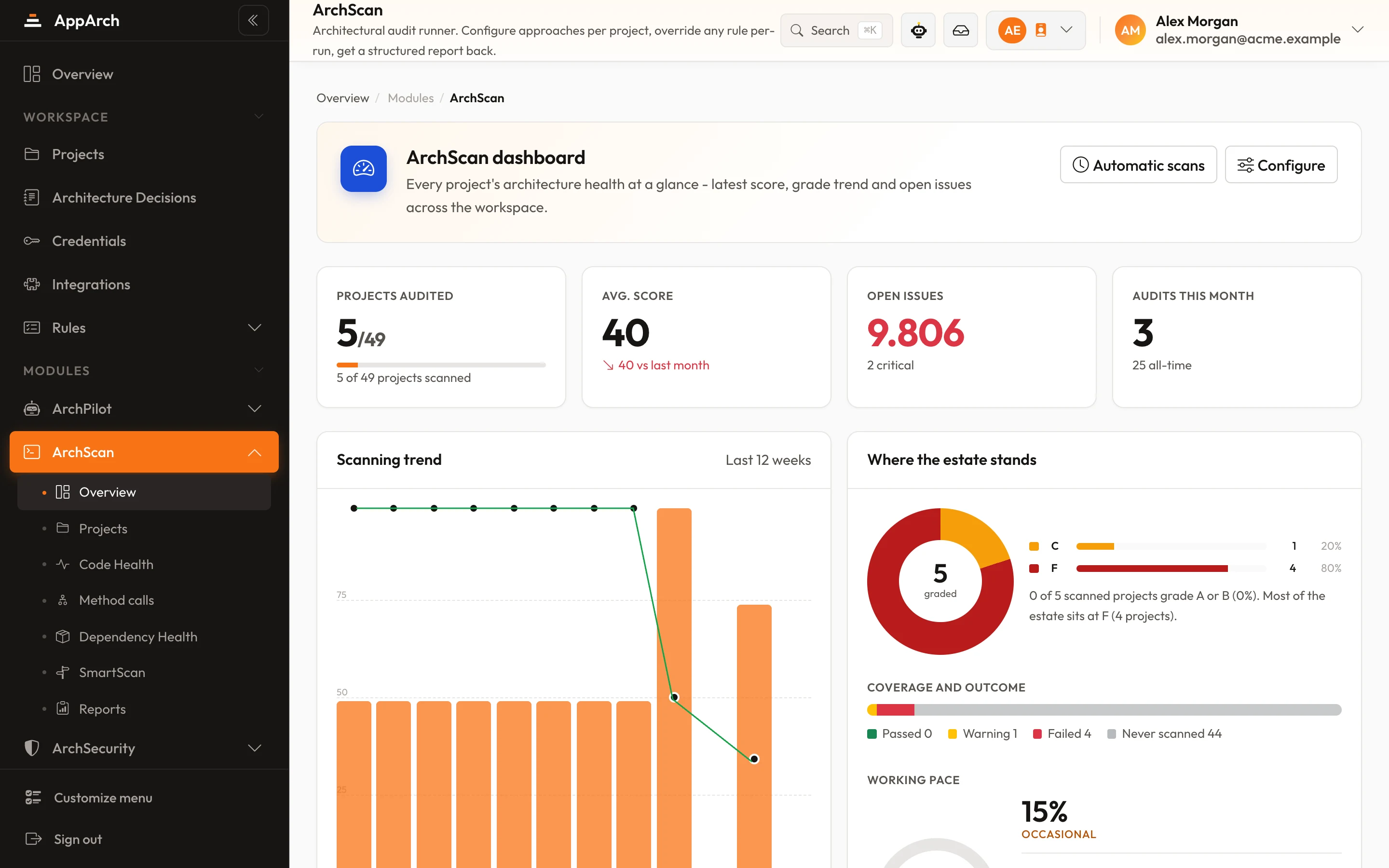
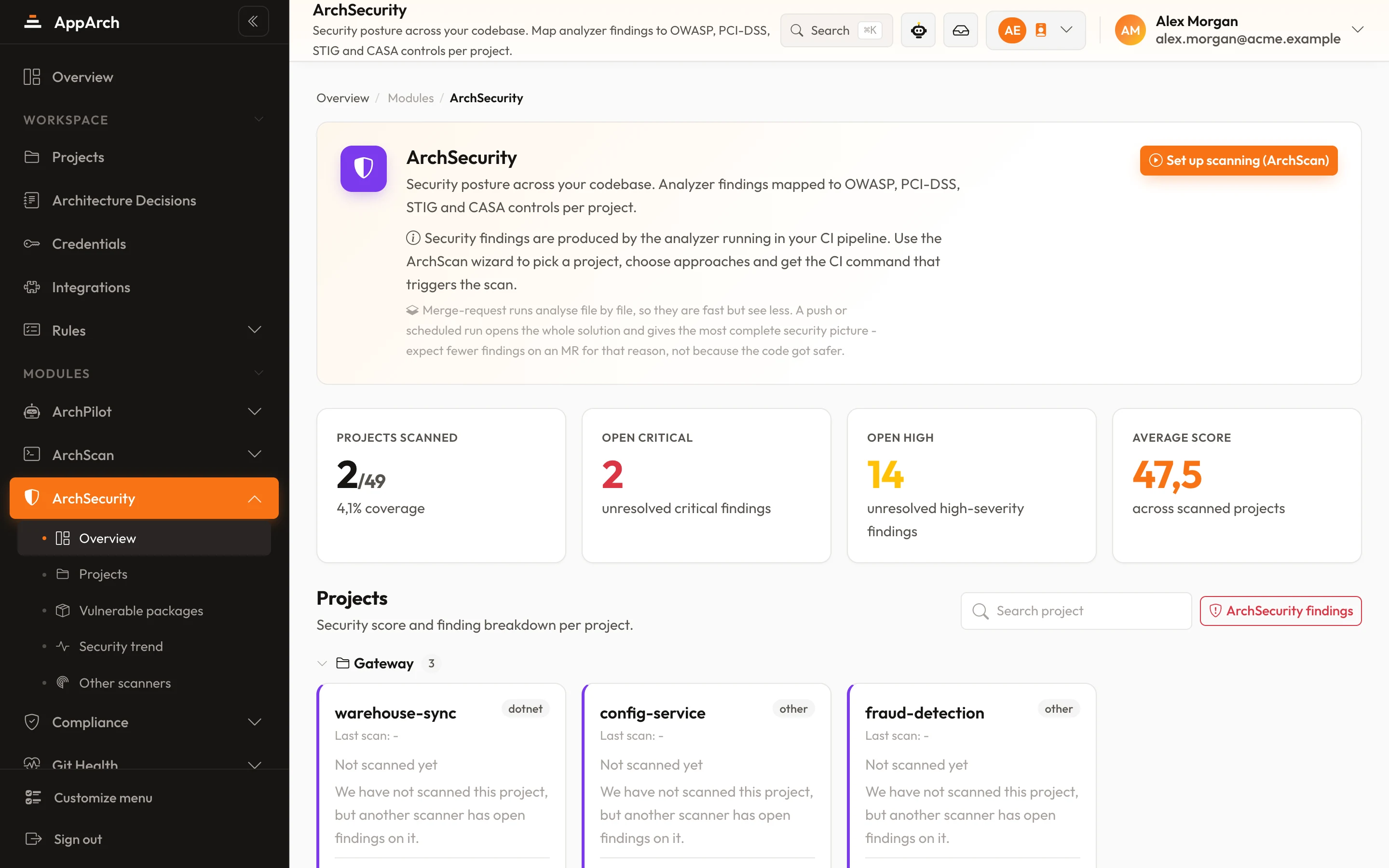
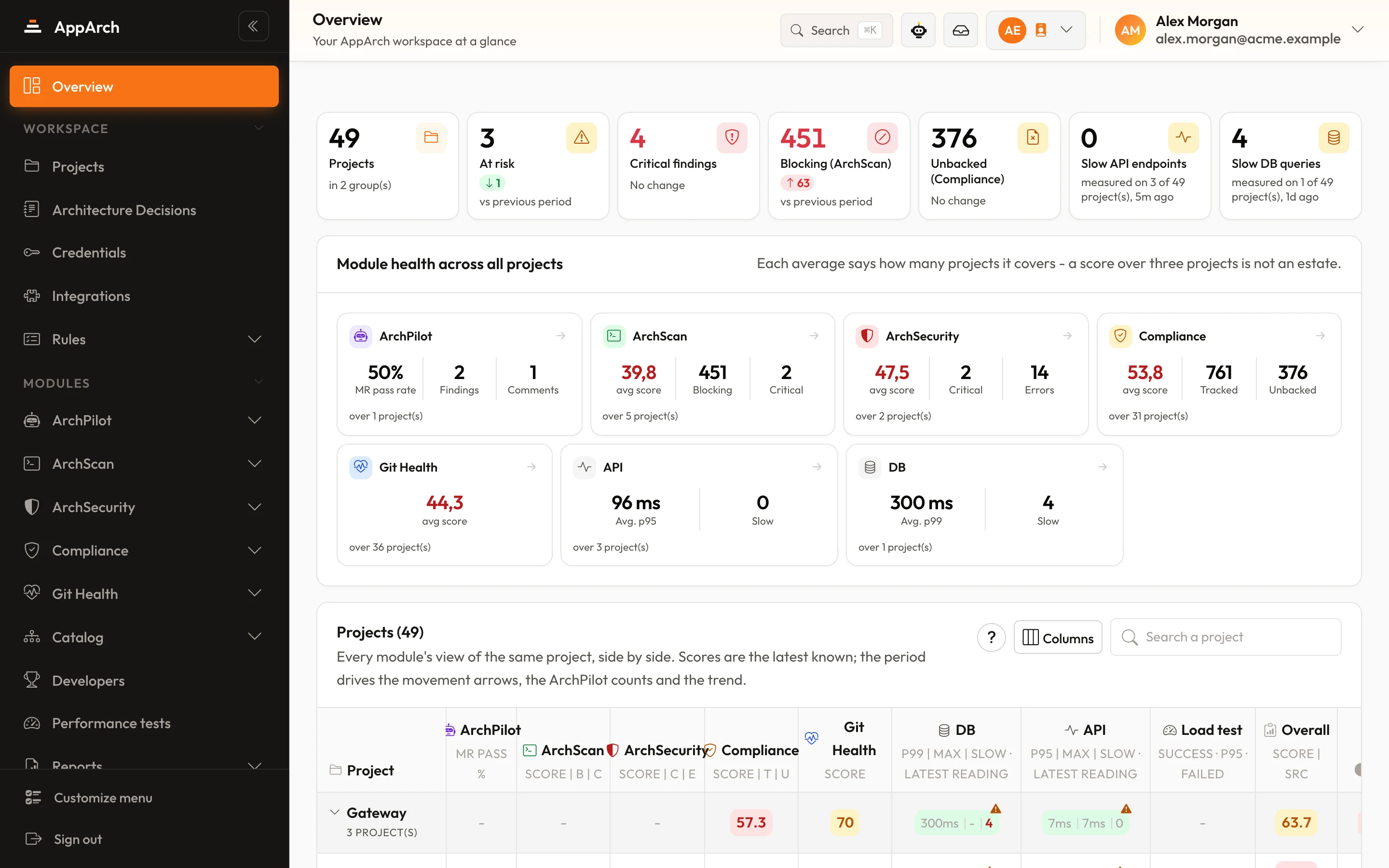
Connect Jenkins
Connect in minutes - your first review lands on the next change.