Jira
Findings on the board, delivery read back
Turn architecture and security findings into Jira issues, by hand or automatically, and read the board back for delivery metrics - so your team tracks work where it already lives.
Auth: Jira URL, account e-mail and API token

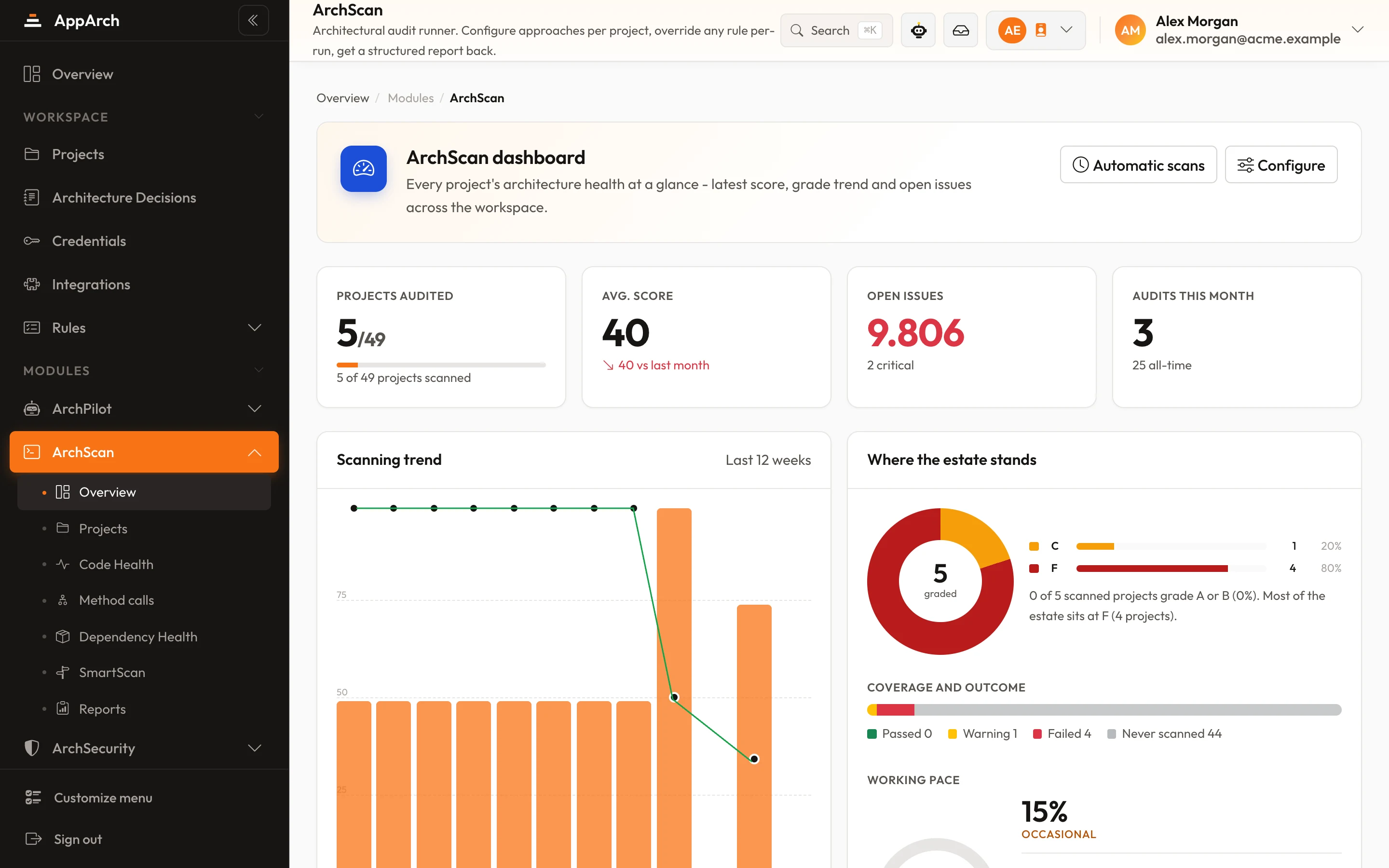
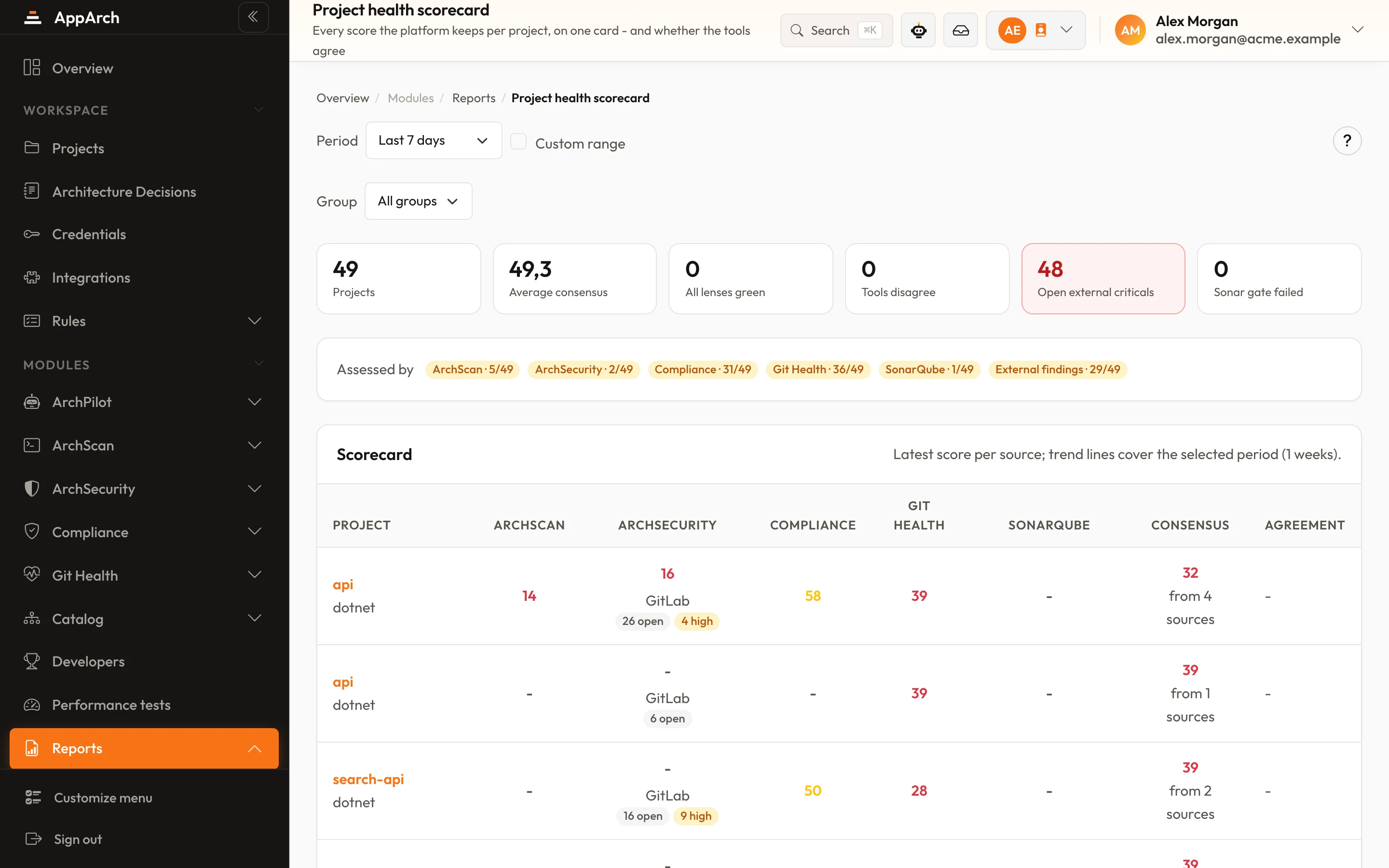
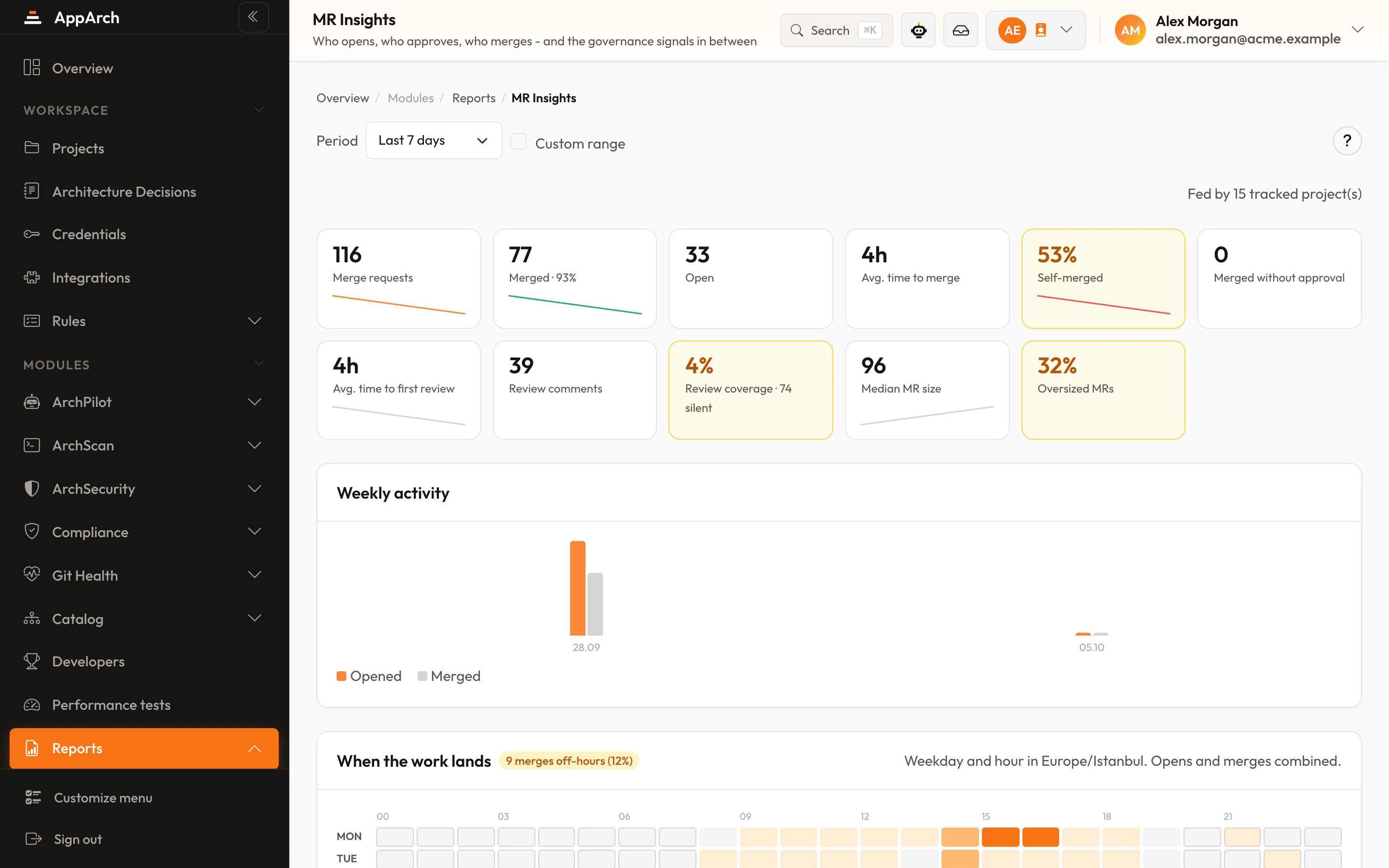
Screens from a running installation
How it connects
- 01
Connect Jira
Enter your Jira URL, account e-mail and API token; the connection is verified before it is saved.
- 02
Map projects
Map each AppArch project to a Jira project.
- 03
Open issues
Select findings on a report and open issues, or let critical ArchScan findings and failed ArchPilot reviews open them automatically.
What you get
Findings to issues
By hand or automatically (off by default). The same finding keeps the same issue across runs; it is never opened twice.
Per-project mapping
Each AppArch project lands in the Jira project its team plans from.
Delivery flow
Issue history is read back: how long work sits in each status shows up in Engineering Analytics.
Encrypted token
The API token is stored encrypted and only its last four characters are ever shown.
How it works inside AppArch
AppArch calls Jira from your server: it reads the issue history for Issue flow and creates issues from findings.
What it reads
- Your account and projects when you connect
- Statuses, boards and the active sprint, to set up the mapping
- Issues with their changelog every 30 minutes for Issue flow; the first sync reaches back 180 days
What it writes
- Creates an issue from a finding, by hand or automatically for critical ArchScan findings and failed ArchPilot reviews
- Optionally adds it to the active sprint and moves it to the status you chose; at most 50 per mapping each run
What it never does
- Only touches the issues it created; existing work is never edited
- Not used for the DORA metrics, which come from deployments and incidents
Your account e-mail and an API token, stored encrypted. One Jira site per workspace.
See it in the product
All screenshots