
Slack
Channel messages are on the way
Connect a Slack channel with an incoming webhook today; AppArch verifies it with a test message. Posting scan and review events to the channel is on the way - until then the same events reach people by e-mail.
Auth: Slack incoming webhook URL

Screens from a running installation
How it connects
- 01
Create a webhook
Add an incoming webhook to the channel in Slack.
- 02
Connect and test
Paste the URL; AppArch sends a test message before it is saved.
- 03
E-mail until then
Notification rules already send nine kinds of events by e-mail, per workspace or for the whole installation.
- 04
One connection per workspace
Each workspace holds a single webhook; connecting again replaces it, and only members with the Integrations permission can change it. Only URLs that start with hooks.slack.com are accepted.
What you get
Verified before saved
A wrong or revoked webhook shows up on the spot, not at the first notification.
Encrypted at rest
The webhook URL is stored encrypted; only its last four characters are shown.
Nine events by e-mail
Review received, auto-approved, approval withdrawn, auto-rejected, scan completed, score up, score down, critical security finding, merge request overdue.
Channel messages next
The same events will post to the connected channel; we will not present it as working before it does.
The operator can switch it off
The installation operator can close Slack for every workspace under Administration > Settings > Policies. Microsoft Teams works the same way: an incoming webhook URL, used for a test message for now.
Disconnect deletes the URL
Disconnecting deletes the encrypted URL; what remains is who connected it and when it was last verified.
How it works inside AppArch
What the Slack connection does today, and what it does not do yet.
What it reads
- Nothing: AppArch never reads from Slack
What it writes
- One test message when you connect or test the webhook
What it never does
- No scan, review or summary messages yet; events reach people by e-mail today
An incoming webhook URL; only hooks.slack.com addresses are accepted. Stored encrypted, one per workspace. No OAuth app.
See it in the product
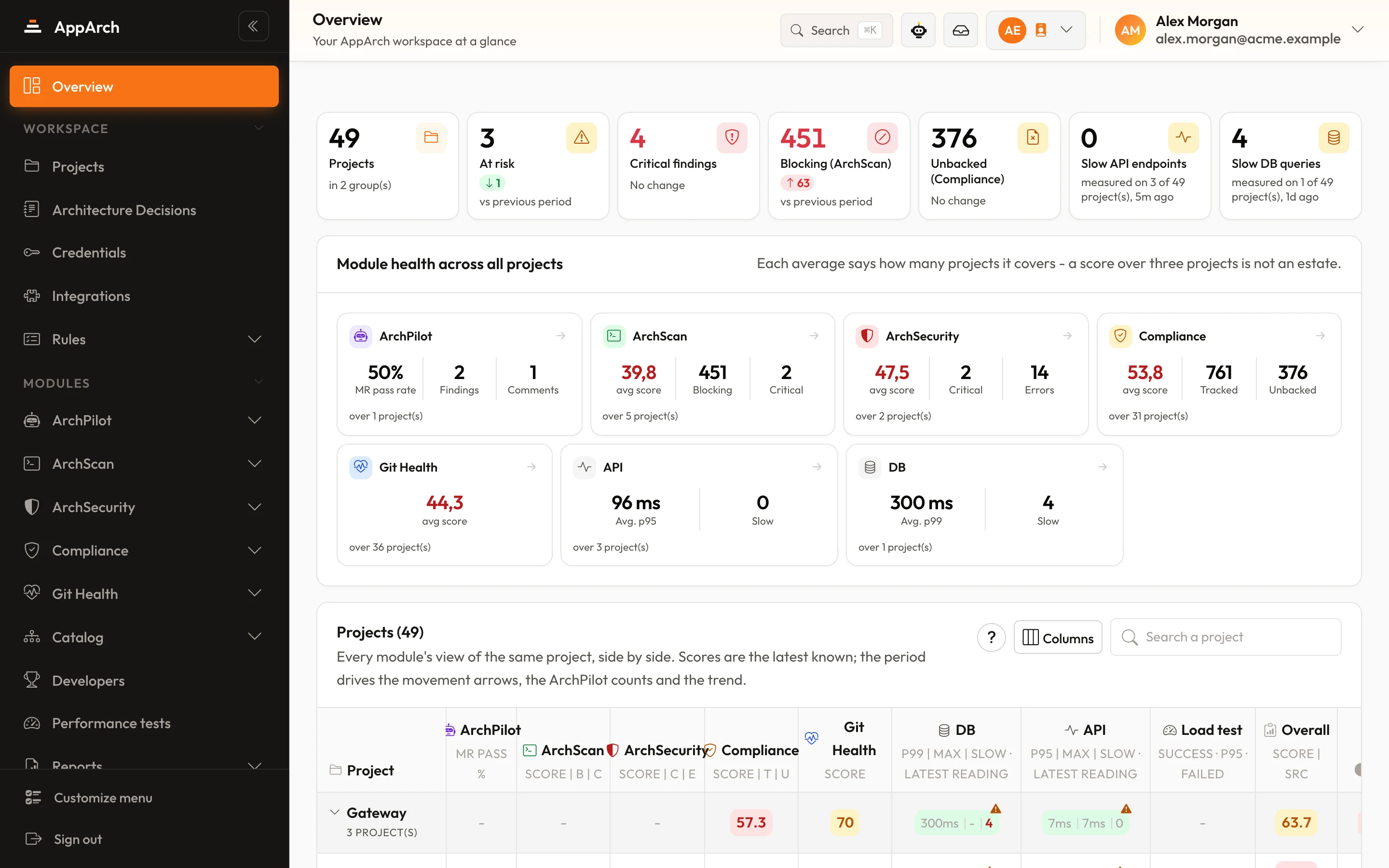
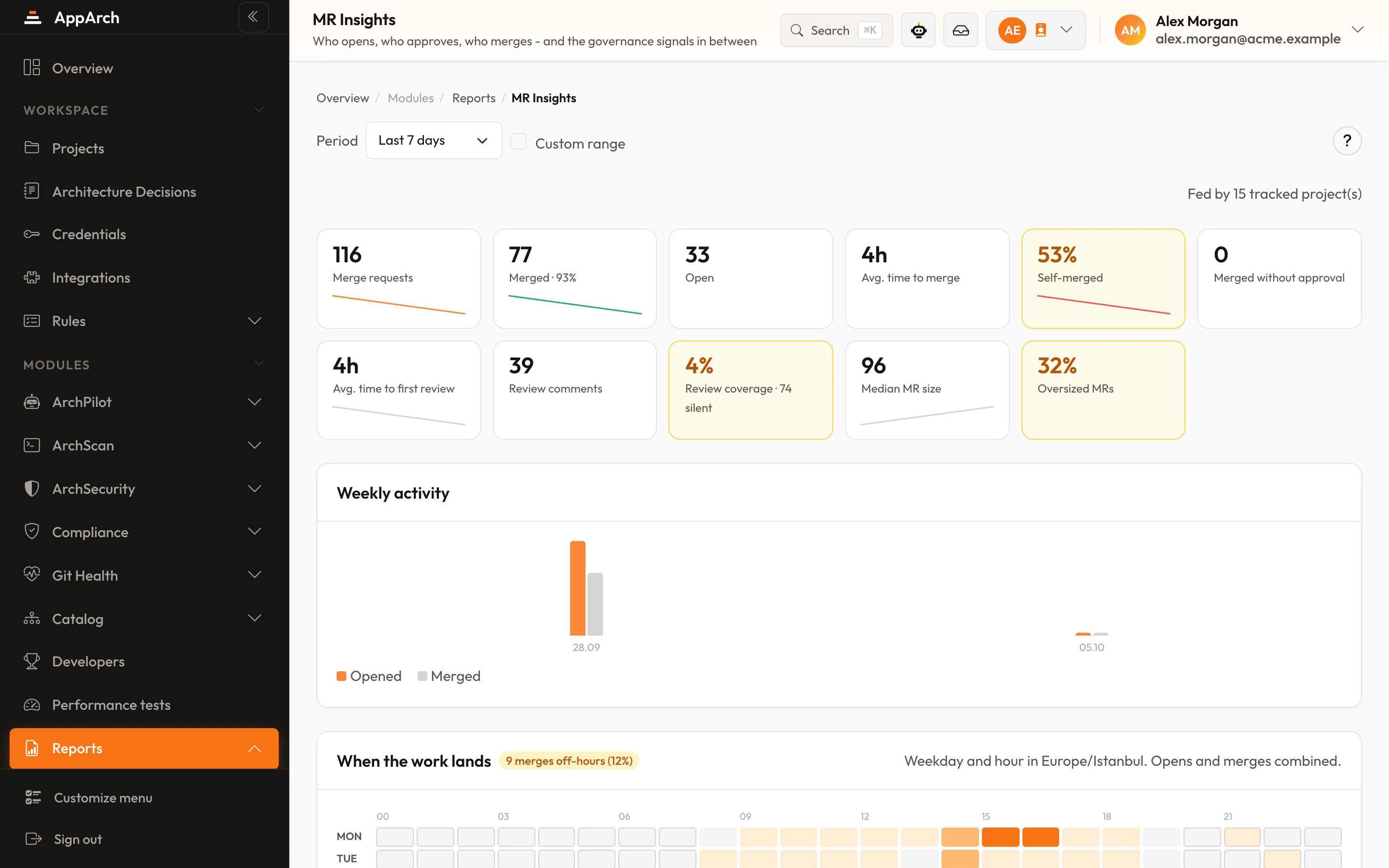
All screenshots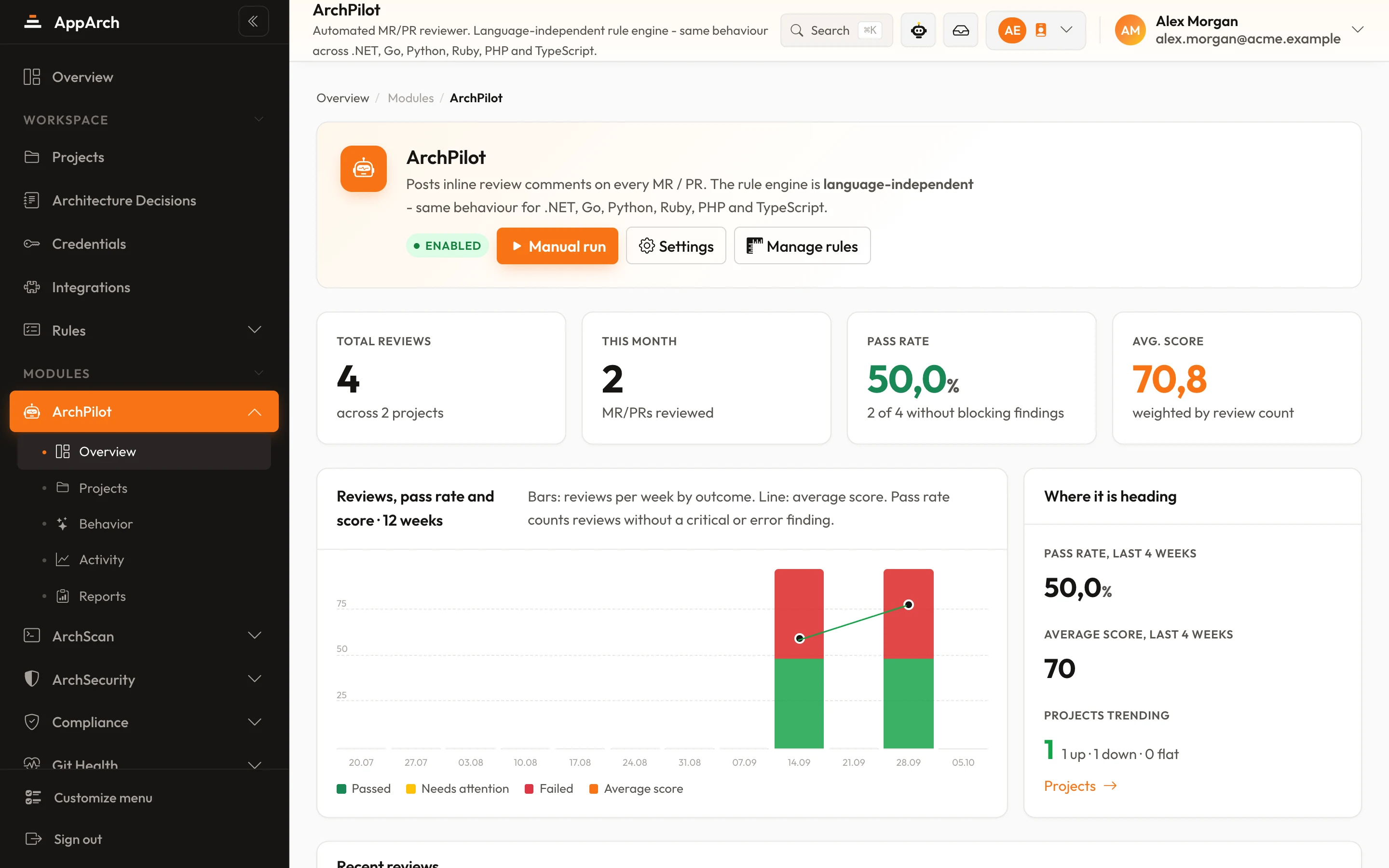
Connect Slack
Connect in minutes - your first review lands on the next change.