
Gemini
Fix suggestions from Gemini Pro or Flash
Your operator connects a Google Gemini API key once, for the whole installation. The "Resolve with AI" button under an ArchPilot finding then asks Gemini 2.5 Pro or Flash for a fix - billed to your own Google account.
Auth: Google Gemini API key, set by the installation's operator

Screens from a running installation
How it connects
- 01
Get a key
Create an API key in Google AI Studio; usage is billed to your own Google account.
- 02
Enter it once
In Management > Assistant the operator picks Gemini and the models: Gemini 2.5 Pro or Gemini 2.5 Flash. The first one chosen is the default.
- 03
Resolve a finding
Hit the button under an ArchPilot finding; the suggestion arrives in a code block, in the reader's language.
What you get
Paid for once
A suggestion is stored per finding, so the next teammate who opens it spends nothing.
Token receipts
Every suggestion records its input and output tokens, so the spend is auditable.
Pro or Flash
Flash answers fast and cheap; Pro reasons deeper. The operator sets the balance for the installation.
Encrypted at rest
The key is stored AES-GCM encrypted and is never shown in clear again.
How it works inside AppArch
One key for the whole installation, set by your operator. Calls go straight from your server to the provider, only when a feature asks for one.
What the key is used for
- Fix suggestions on ArchPilot findings, stored per finding so the next reader pays nothing
- Archito's Ask tab: it picks from a closed question catalogue and answers only about your workspace
- Classifying human review comments on merge requests, twenty per call, if the workspace opts in
- Writing Markdown documents such as README and CONTRIBUTING in the language you choose
Guards
- At most 30 calls per workspace per minute
- Optional daily and weekly token caps, per workspace and for the installation
- Every call records its input and output tokens; AI Impact shows the spend per person and model
What it never does
- Archito's learning never uses it; that model is trained on your server
- Nothing passes through AppArch's own servers
- Off and keyless until your operator turns it on
One API key for the whole installation, entered by your operator under Management, stored encrypted with the installation's master key. The model list is enforced on the server.
See it in the product
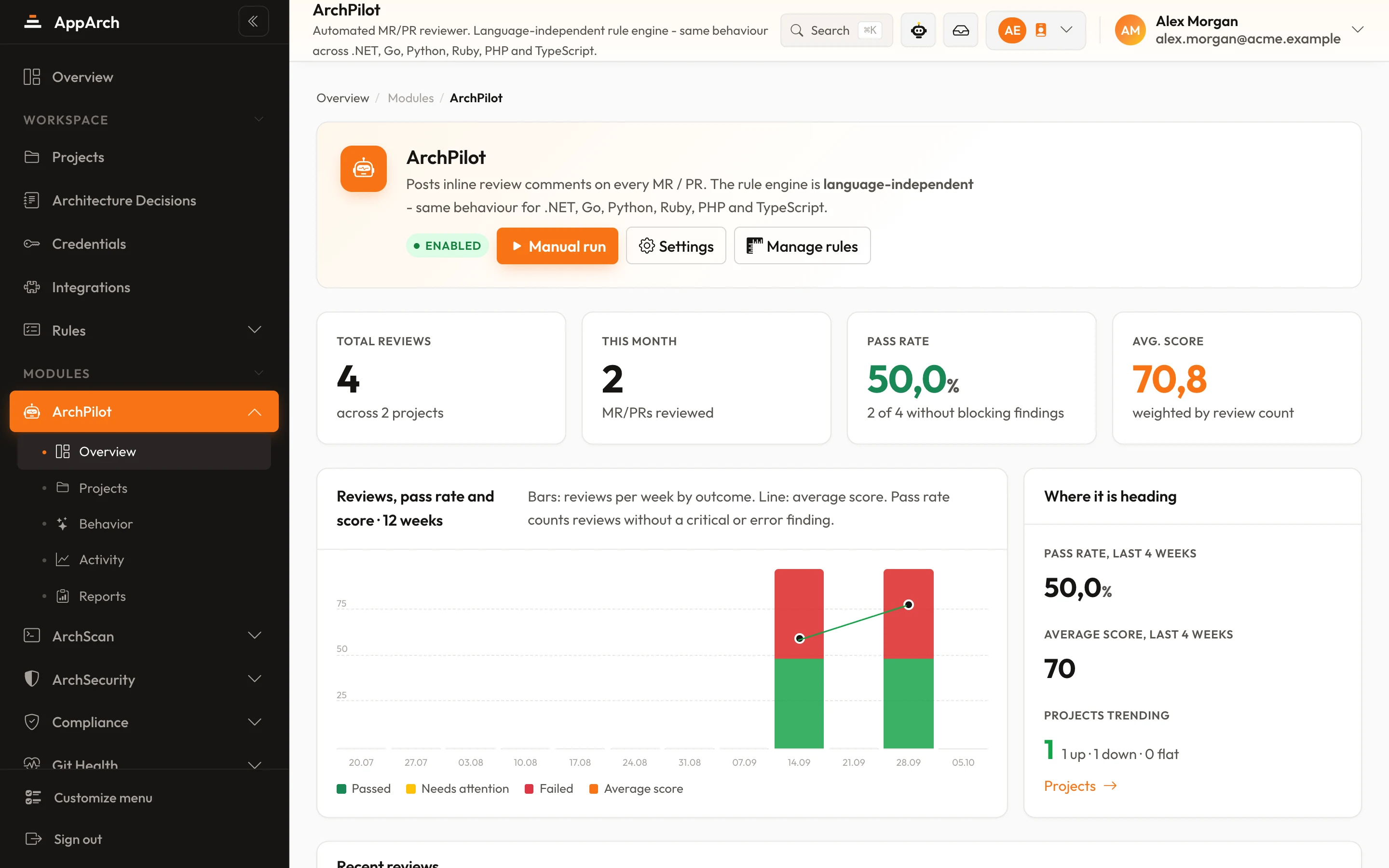
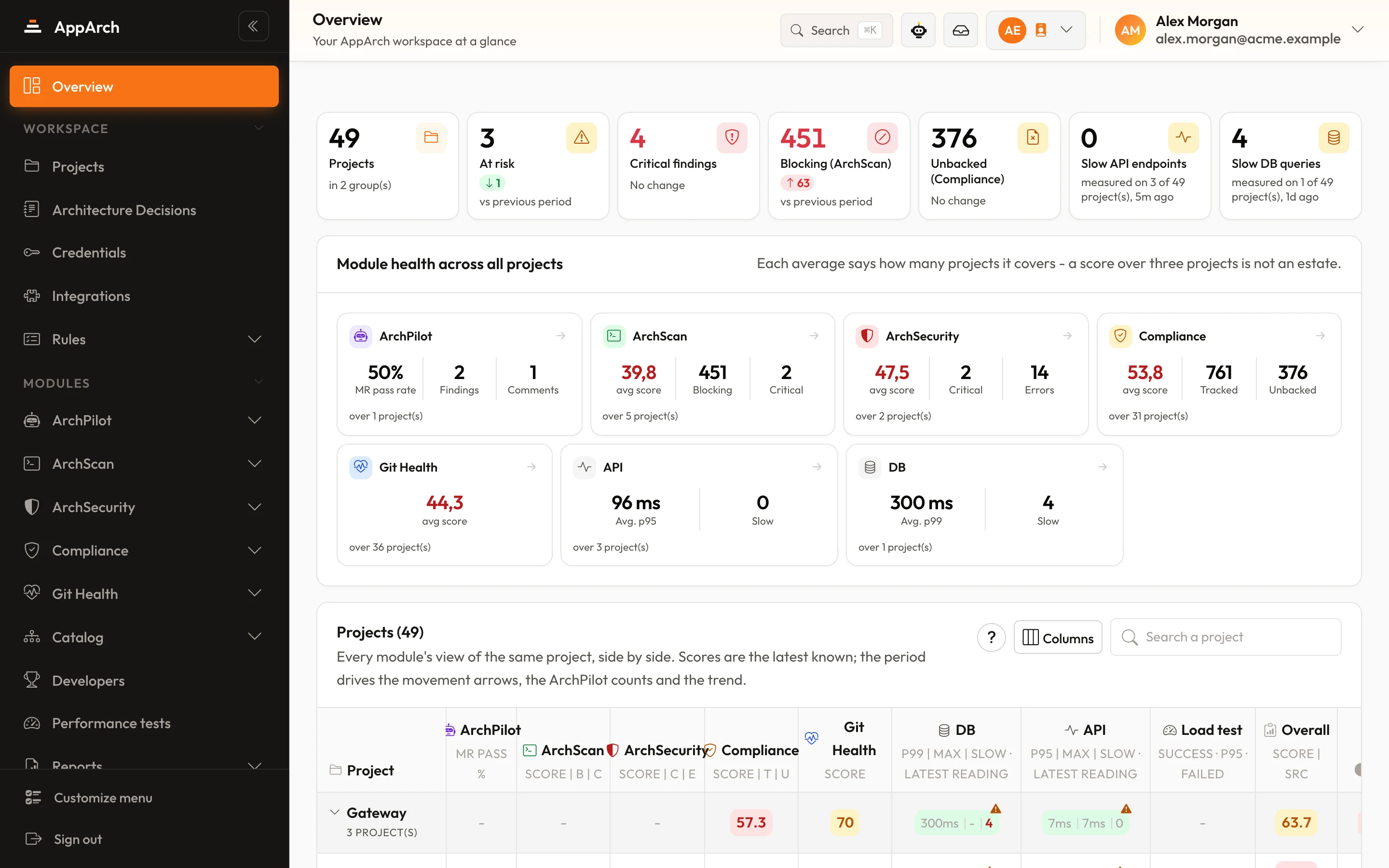
All screenshots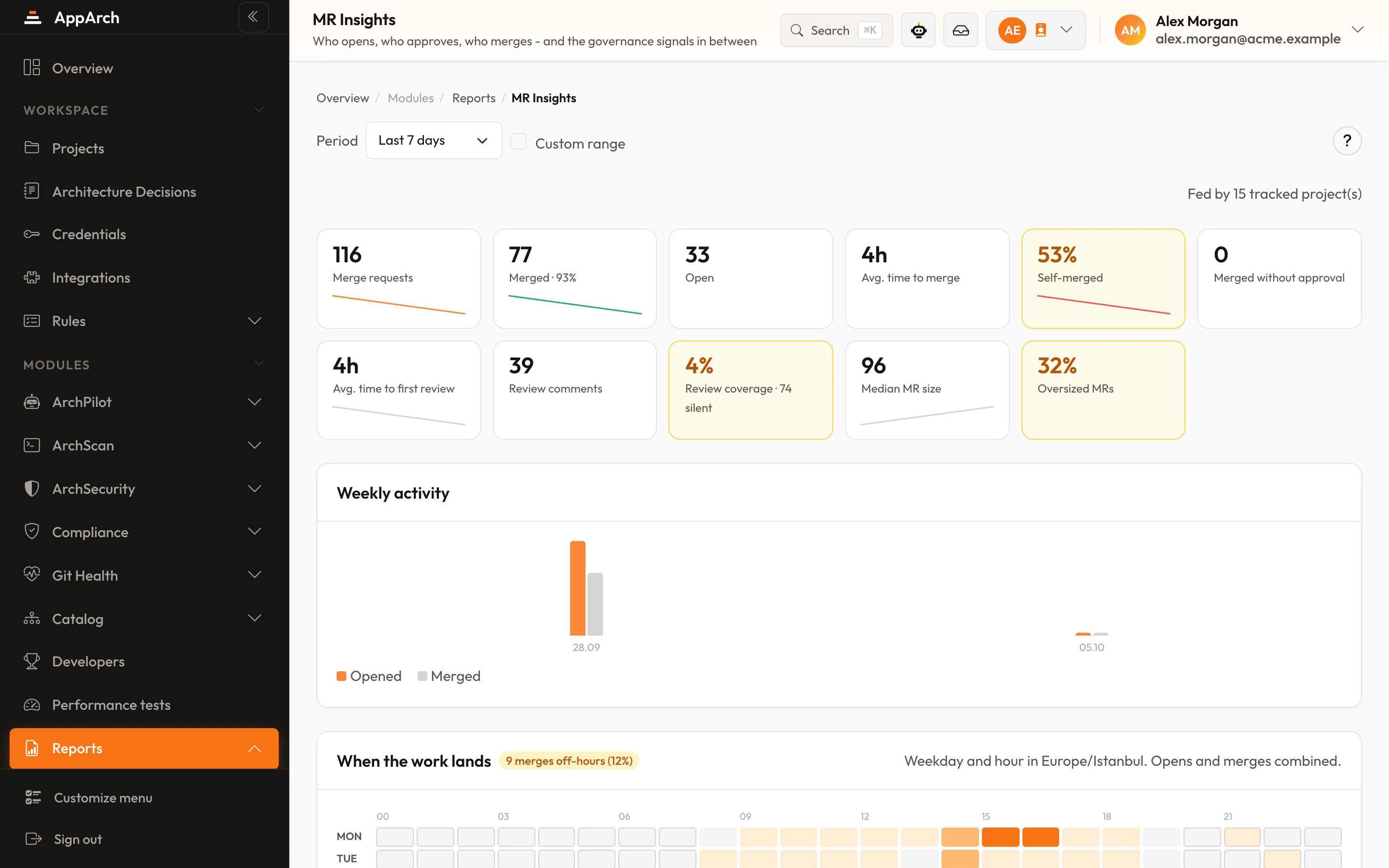
Connect Gemini
Connect in minutes - your first review lands on the next change.